Save anything.
Ask it later.
Save from your browser, phone, or WhatsApp. Later, ask in plain words and get the answer with its source.
Coming soon. Get one email when it launches.
Join the waitlistStop hunting for what you saved. Ask for it.
You already saved it. You just can’t find it.
One click to save. Plain words to get it back.

40%of search queries are people looking for something they’ve found before.
Teevan, Adar, Jones & Potts, “Information Re-Retrieval,” SIGIR 2007Bookmarks and read-later apps keep everything you give them. Finding it again is left to you.
Nook is built for getting it back

Saving takes one action
Right-click, tap Share, or send a message. Nook keeps the page, the text, or the screenshot, and you get back to what you were doing.

Nook does the filing
Every save gets tagged in the background. You never manage a folder, and the tags make your answers sharper.

Ask in your own words
Type “the pricing thread from March” and get the thread, plus a short answer that points to it.

Save it where you already are

Browser extension
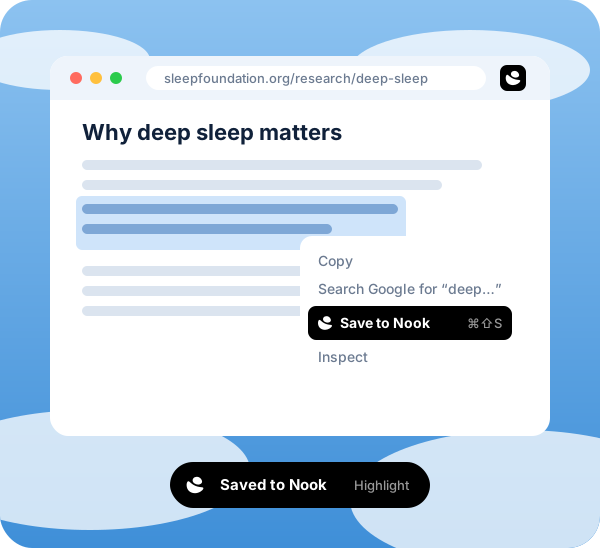
Right-click or use a shortcut to save a highlight, the full page, or a screenshot. A small confirmation appears, then fades.

Share to Nook
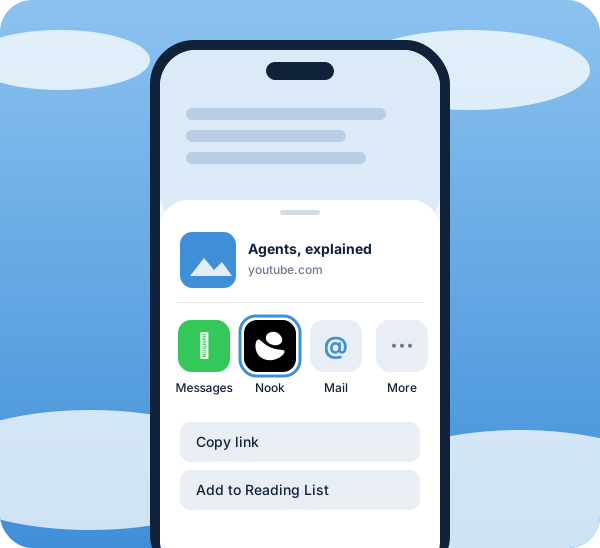
On iOS and Android, tap Share and pick Nook. It works in any app with a Share button.

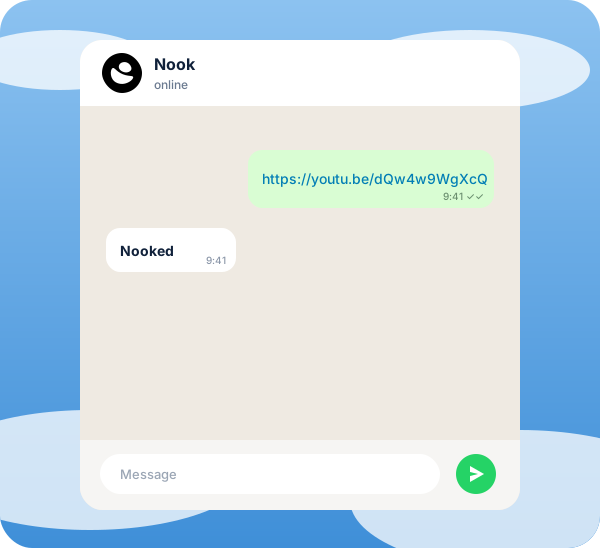
Message a link, a note, or a photo to Nook’s WhatsApp number. It replies with a link to what you saved.

MCP
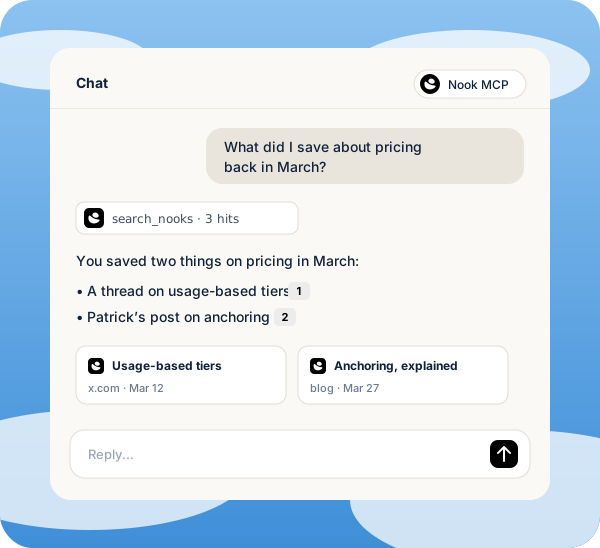
Connect Nook to Claude, Cursor, or any other app that supports MCP. Search, ask, and save without leaving the chat.
Whichever way you save, it all
lands in one library.
Meet Ask. Bookmark apps give you a list to scroll. Ask gives you the answer and the link it came from.
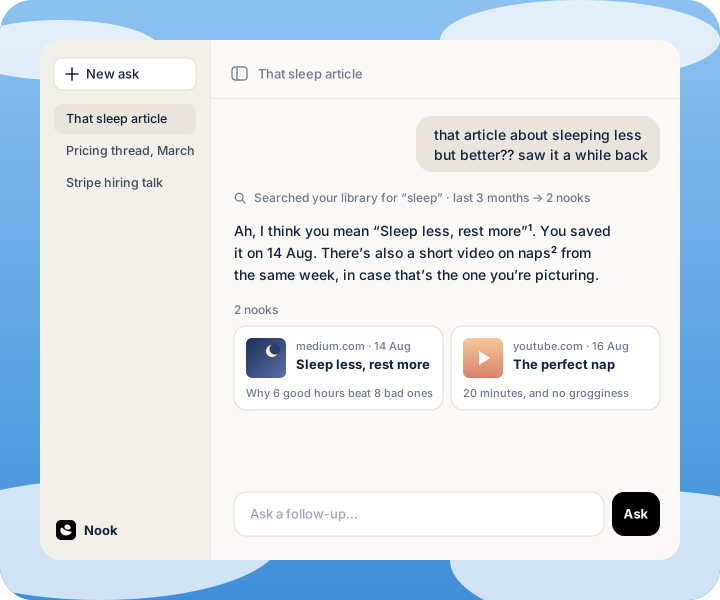
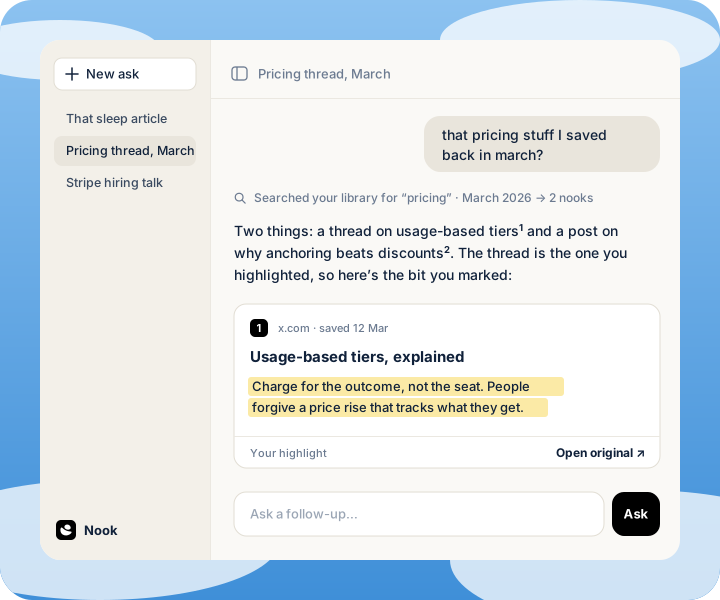
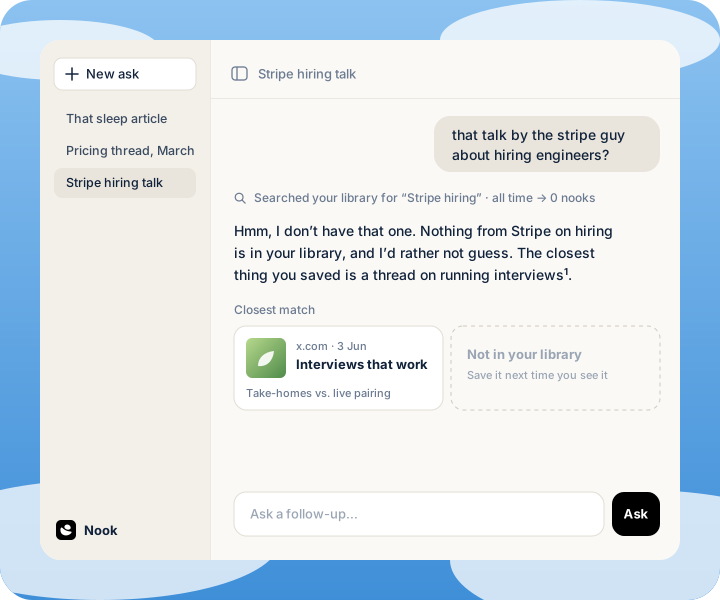

For the thing you know you saved.
Join the waitlistThings you’ll be
able to ask
The common questions, answered. If yours isn’t here, email us.
You already have it. Somewhere.